
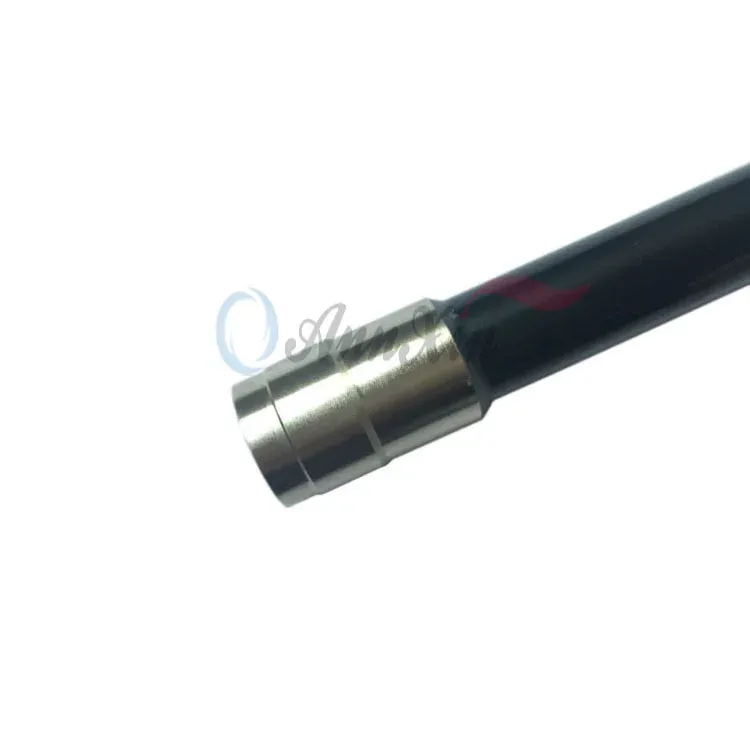
AN200-LTELTE Fiberglass Antenna
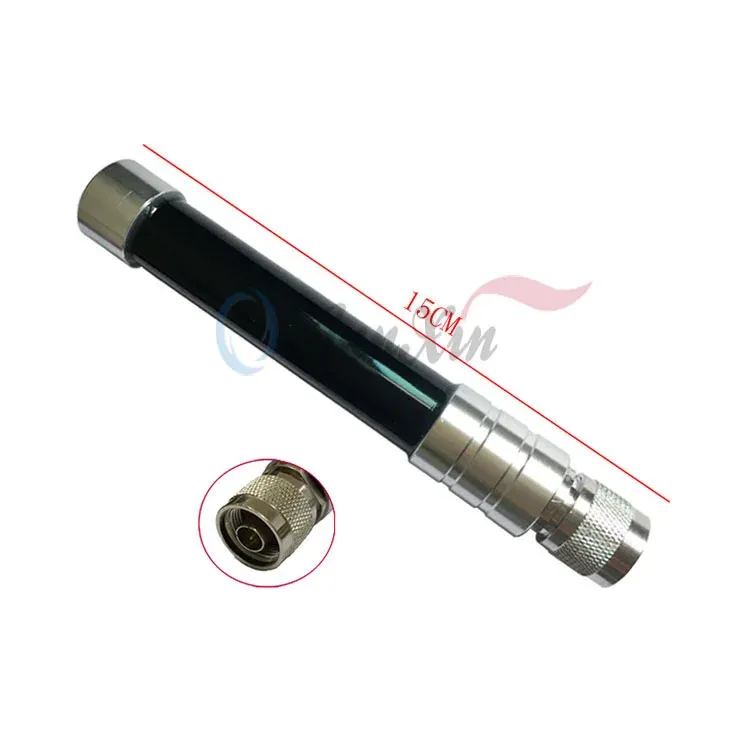
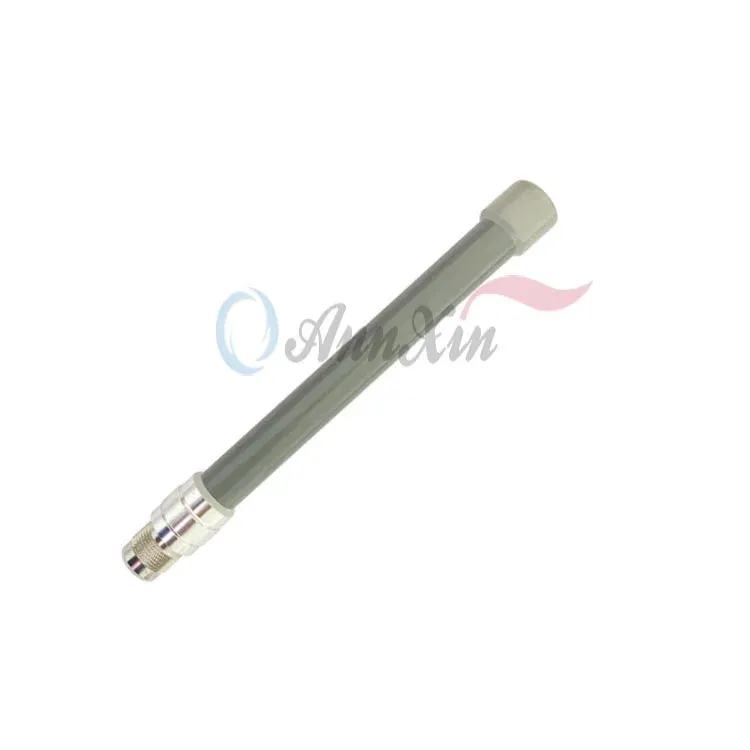
The AN200-LTE is a LTE fiberglass antenna for OEM antenna selection. Compare the radome profile, feed connection and installation space for your radio project.
- Source band designation
- LTE
- Antenna format
- Fiberglass Antenna
Technical Specifications
| Source band designation | LTE |
|---|---|
| Operating band limits | Confirm for the selected version |
| Gain and VSWR | Request data for the selected assembly |
| Model reference | AN200-LTE |
|---|---|
| Antenna construction | Fiberglass Antenna |
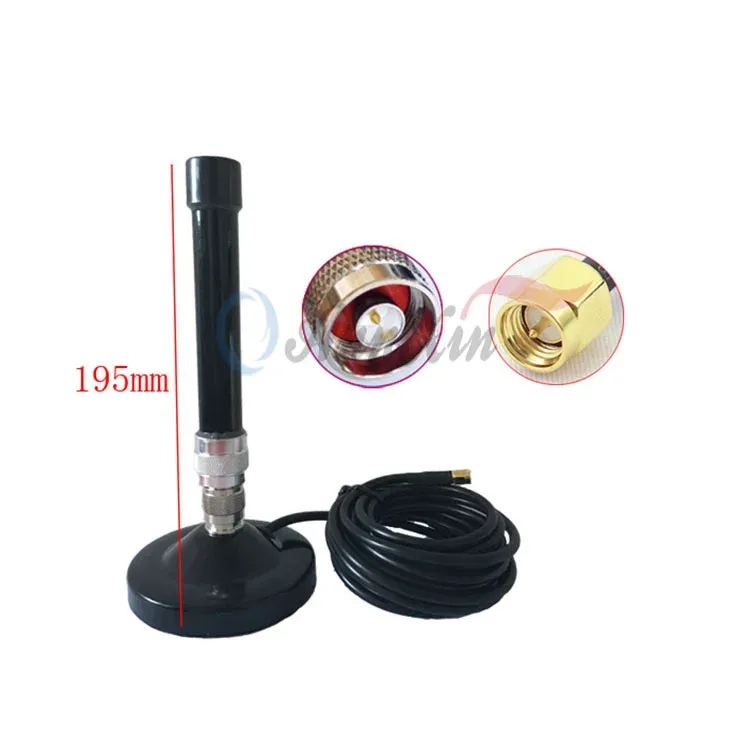
| Mating connector and feed | Match the photographed version to your RF port |
| Dimensions and cable length | See supplied reference images; specify on the RFQ |
Band designations follow the supplied product folders. Confirm the frequency limits, connector version and acceptance data for the assembly you order.
Documents
Application & Fit
Choose the antenna mounting height and bracket before finalizing the RF lead. Check the radio’s band, connector orientation, cable loss and strain relief. Environmental sealing and wind-load requirements should be agreed for the installed assembly.
AN200-LTE Fiberglass Antenna Selection
This fiberglass radome antenna is listed under the LTE designation. The AN200-LTE is a LTE fiberglass antenna for OEM antenna selection. Compare the radome profile, feed connection and installation space for your radio project. Compare the gallery with the intended hardware before choosing the feed, mounting arrangement or sample version.
Integration and Sample Evaluation
Choose the antenna mounting height and bracket before finalizing the RF lead. Check the radio’s band, connector orientation, cable loss and strain relief. Environmental sealing and wind-load requirements should be agreed for the installed assembly.
OEM Procurement and RF Verification
For a LTE antenna inquiry, specify the exact band edges and any gain, efficiency or VSWR target with its measurement conditions. Request sample testing on the complete cable and antenna assembly. Use an approved sample and configuration record to control connector, mounting and cable changes during procurement.
Cellular Router and Gateway Integration
For an LTE antenna, 4G router antenna or cellular gateway antenna request, list the modem’s regional bands and the mobile operator requirements. Confirm the purpose of each RF port and whether the radio uses diversity or MIMO. Evaluate the selected antenna and cable configuration under the application workload before approving an industrial router or IoT gateway installation.
FAQ
What should I specify when ordering AN200-LTE?
Identify AN200-LTE and the desired gallery view. Provide the radio band, connector interface, cable length, installation drawing and sample quantity. Choose the antenna mounting height and bracket before finalizing the RF lead. Check the radio’s band, connector orientation, cable loss and strain relief. Environmental sealing and wind-load requirements should be agreed for the installed assembly.
Is the LTE designation sufficient for antenna selection?
Compare the exact transmit and receive ranges with the radio documentation. Request band-by-band RF data for the quoted version and verify the sample in the intended installation.
What should I verify during installation?
Choose the antenna mounting height and bracket before finalizing the RF lead. Check the radio’s band, connector orientation, cable loss and strain relief. Environmental sealing and wind-load requirements should be agreed for the installed assembly.
What should a production inspection record include?
Keep the approved model and image reference, connector and dimensions, cable specification, sample revision and agreed RF limits on the purchase order. Define the measurement fixture and reference plane so incoming inspection can repeat the check.
Related Antennas
Production, Testing & Packing
A look inside the ANNXIN workshop. Discuss the required tests and packing configuration for your selected model.
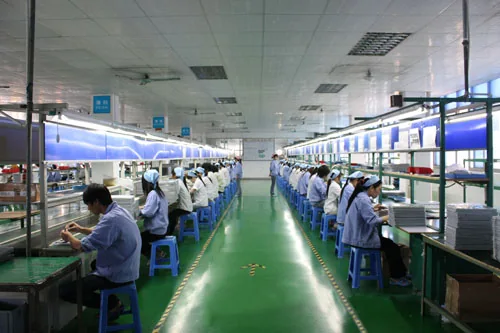
Production workshop
Assembly workbenches and production staff in the ANNXIN workshop.
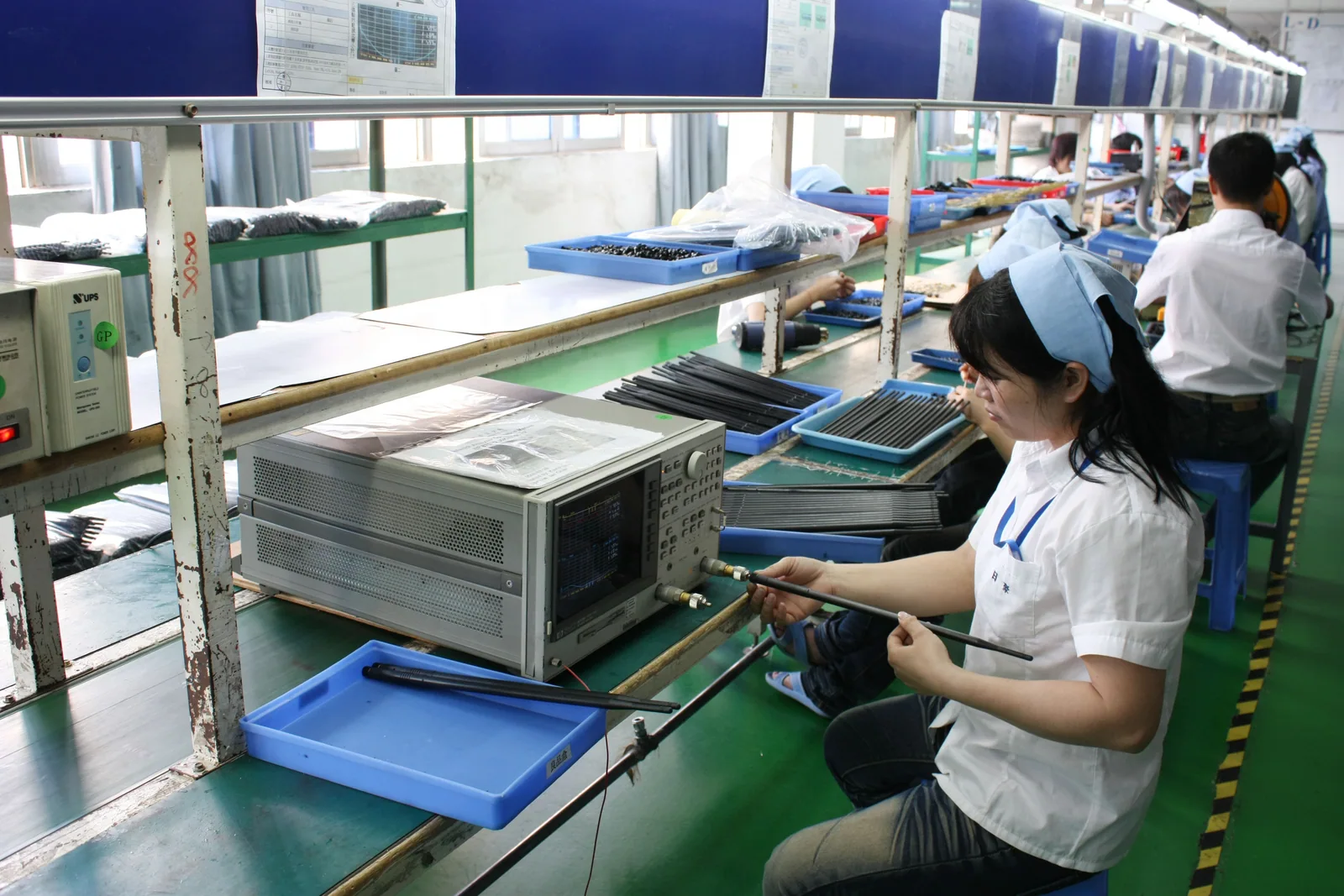
RF testing at the workbench
An operator connecting an assembly to RF test equipment on the production line.
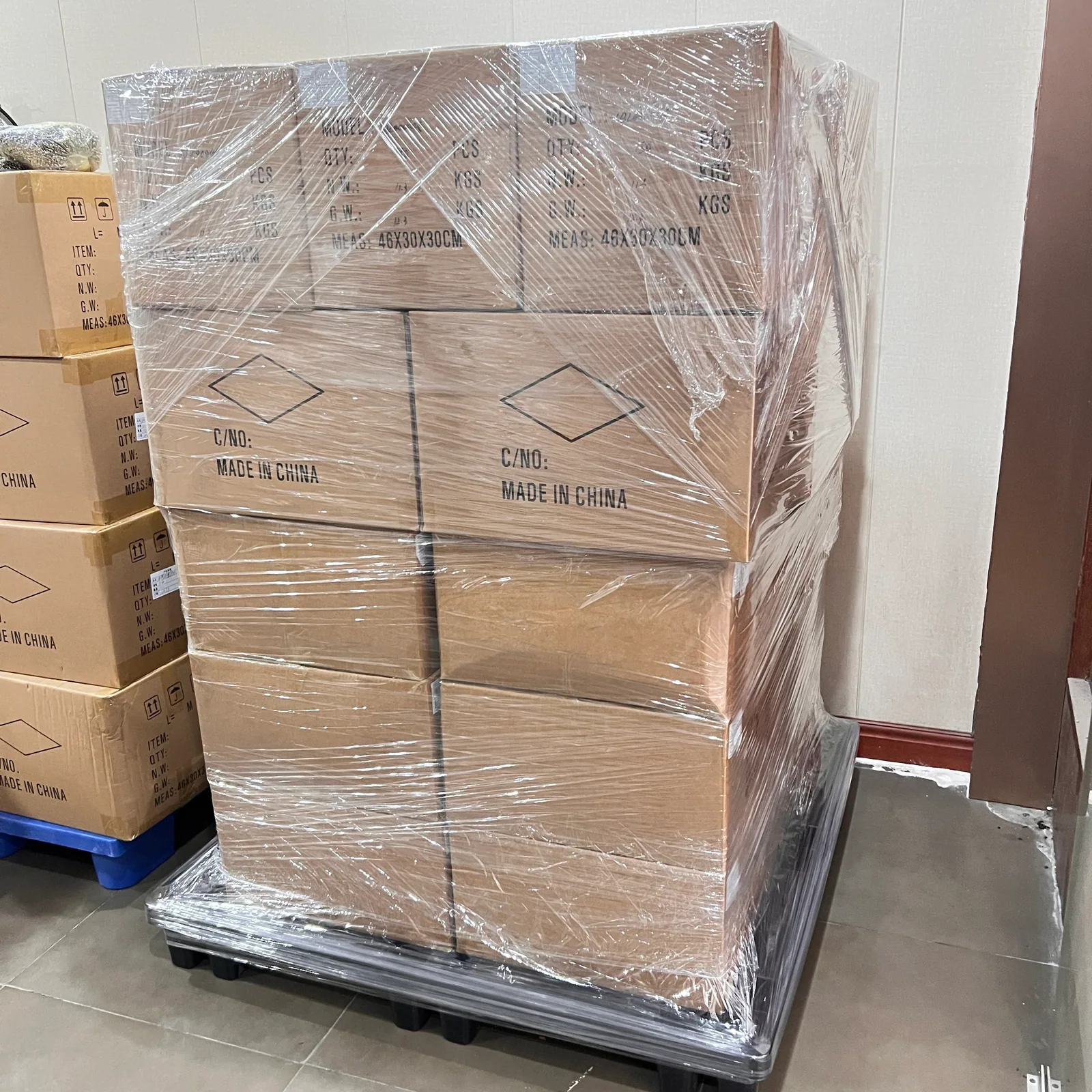
Packing & Shipment
Shipping cartons stacked on pallets and secured with protective stretch wrap at ANNXIN.
Request a Quote
Ask about the AN200-LTE, specify your required band and let us know if you need samples.
Contact ANNXIN